Free SSL Certificate Checker
Verify SSL certificates, check expiration dates, and ensure your website's security. Free tool for developers and site owners.
Why SSL Matters
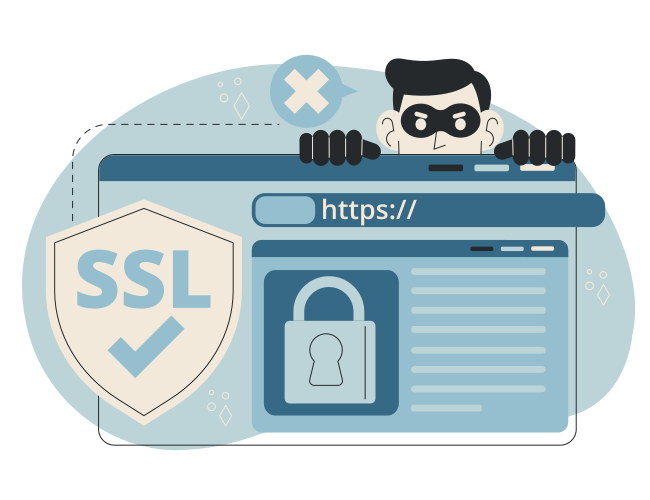
SSL (Secure Sockets Layer) certificates encrypt data between your website and visitors, protecting sensitive information like passwords, credit card details, and personal data. Without SSL, your site is vulnerable to man-in-the-middle attacks and browsers will show security warnings.
SSL Certificate Types
- Domain Validated (DV) — Basic validation, confirms domain ownership
- Organization Validated (OV) — Includes business verification
- Extended Validation (EV) — Highest level with green address bar
- Wildcard — Covers subdomains (*.example.com)
- Multi-Domain/SAN — Covers multiple domains
Common SSL Issues
- Expired certificates — Most common issue, causes browser warnings
- Self-signed certificates — Not trusted by browsers
- Certificate chain issues — Missing intermediate certificates
- Domain mismatch — Certificate issued for wrong domain
- Weak encryption — Outdated SSL/TLS versions
SSL Best Practices
- Always use HTTPS (redirect HTTP to HTTPS)
- Keep certificates renewed (set calendar reminders)
- Use strong cipher suites and modern TLS versions
- Implement HSTS (HTTP Strict Transport Security)
- Regularly audit your SSL configuration
SSL Command Line Tools
Check SSL certificates from your terminal using OpenSSL.
# Check certificate details
openssl s_client -connect example.com:443 -servername example.com | openssl x509 -noout -text

# Check certificate expiration
openssl s_client -connect example.com:443 -servername example.com 2>/dev/null | openssl x509 -noout -dates

# Test SSL/TLS versions
openssl s_client -connect example.com:443 -tls1_2
openssl s_client -connect example.com:443 -tls1_3
Automate SSL Monitoring
Manual SSL checks work for one-off verification, but for ongoing monitoring, you need automation. SSL certificates expire, and forgetting to renew them can break your site and damage user trust.
Monitor SSL with Status Page
Status Page can monitor your SSL certificates automatically. Get alerts before certificates expire, track SSL health over time, and show SSL status on your public status page.
Ready to automate? See plans & get started — or create a free account to try SSL monitoring today.
SSL Certificate Checker
Enter your domain to check SSL certificate validity, expiration date, and issuer information.
What to look for
- Valid certificate (not expired)
- Trusted certificate authority
- Correct domain name match
- Strong encryption (TLS 1.2+)
- Complete certificate chain